


High-Speed Portable SSD - Compact External Solid-State Drive
Compare color
-
Black
-
Blue
-
Red
-
Gold
-
Silver
Click on color/pattern to compare, click and drag images to reorder
|
0
Total items |
$0.00
Taxes, discounts and shipping calculated at checkout.
Product subtotal |
Your Photos. Your Projects.
Room to Keep Both.
Keep files close, carry them easily, and give your computer a little breathing room.
Less “What Can I Delete?”
More Space for What Comes Next.
Family videos, finished projects and years of photos add up. An external drive gives them a place beyond your computer's internal storage.
- Keep your memories together. Organize photo and video copies by year, trip or family occasion.
- Take your work with you. Carry documents and project folders between compatible computers.
- Make room thoughtfully. Move files you use less often, keeping another backup of anything irreplaceable.
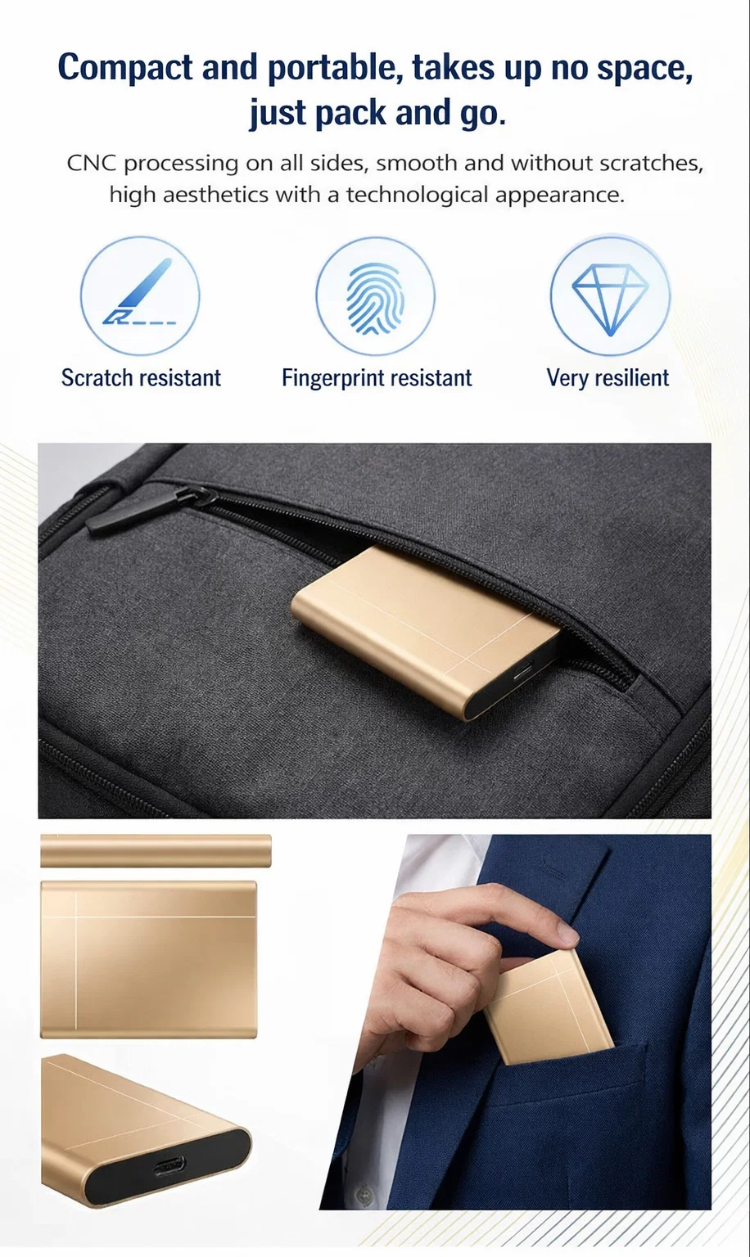
A Small Addition to Your Everyday Bag.
A slim profile, gold-tone metal finish and USB-C connection point keep the design simple, whether it lives beside your laptop or travels with it.
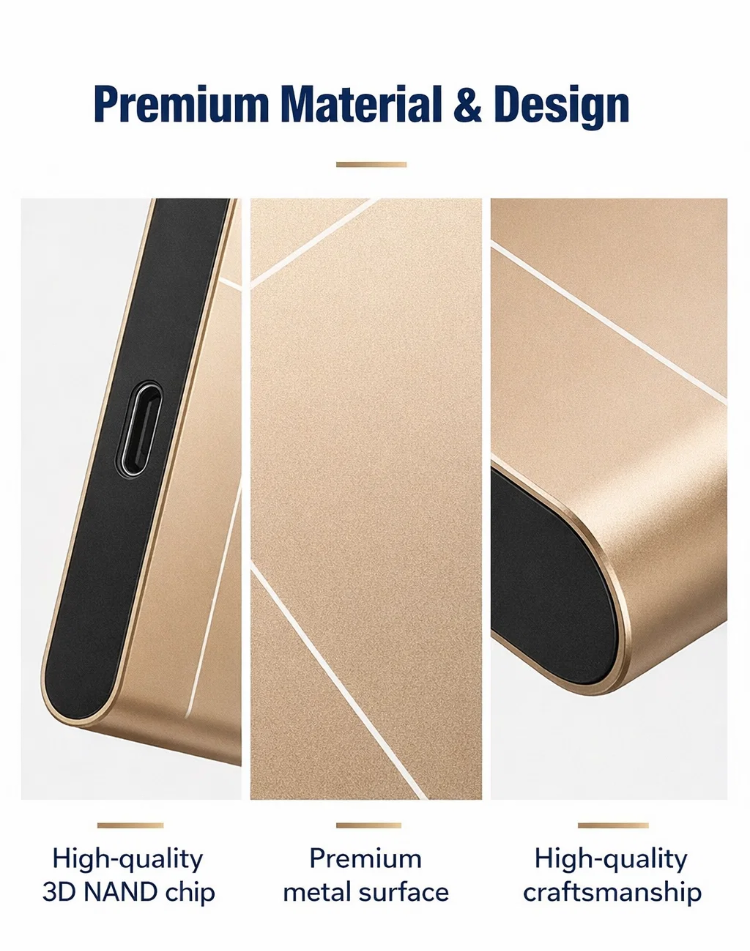
Check the connection: use a compatible data cable. USB-C describes the connector shape; transfer speed also depends on the drive, cable and device.
Keep the Files for Your Day in One Place.
Bring presentation files to a meeting, organize footage after a trip, or keep a separate copy of your personal documents. Choose the capacity around what you actually save.

Connect. Copy. Check.
- Connect the drive. Use a compatible data cable and a supported USB port.
- Open your file manager. Locate the drive and follow any setup prompts. Formatting, if required, erases files already on the drive.
- Copy your files. Wait for the transfer to finish, then open a few files to check the copies.
- Eject before unplugging. Use your device's eject option when available.
Keep a second copy. Copying files to an external drive can be part of a backup routine. Moving your only copy there does not create an additional backup.
Choose the Right Option for You.
Payment, Delivery & Order Support
How to pay: select your capacity and quantity, add to cart, and choose an available payment method at checkout.
Delivery: review shipping charges and the estimated delivery time for your address before placing your order.
Need help? contact the store with your order number and details of the issue. Returns, replacements and warranty coverage follow the published terms for your purchase.
Make Room for Your Next Chapter.
Choose the capacity that fits your files and your everyday routine.
The Custom Tab allows you to display personalized content on your product page with full flexibility.
You can easily manage what appears inside this tab by choosing one of the following options:
- Manual Input: Enter content directly in the theme settings.
- Metafield Source: Connect the tab to a metafield to display dynamic, product-specific information.
- Page Content: Pull existing content from a Shopify page to reuse or centralize updates.
This feature is ideal for showing size guides, care instructions, brand stories, shipping details, or any custom information you want your customers to see — all without touching any code.